Custom Service Mesh Component Resources
This page describes how to customize the resources of the Control Plane Components of a mesh configured through Container Management.
Prerequisites
The cluster has been managed by the service mesh, and the mesh components have been installed normally; The login account has the admin or editor permission of the namespace istio-system in the global service cluster and the working cluster;
Customization Operations
Take istiod on the working cluster under a hosted mesh as an example. The specific operations are as follows:
-
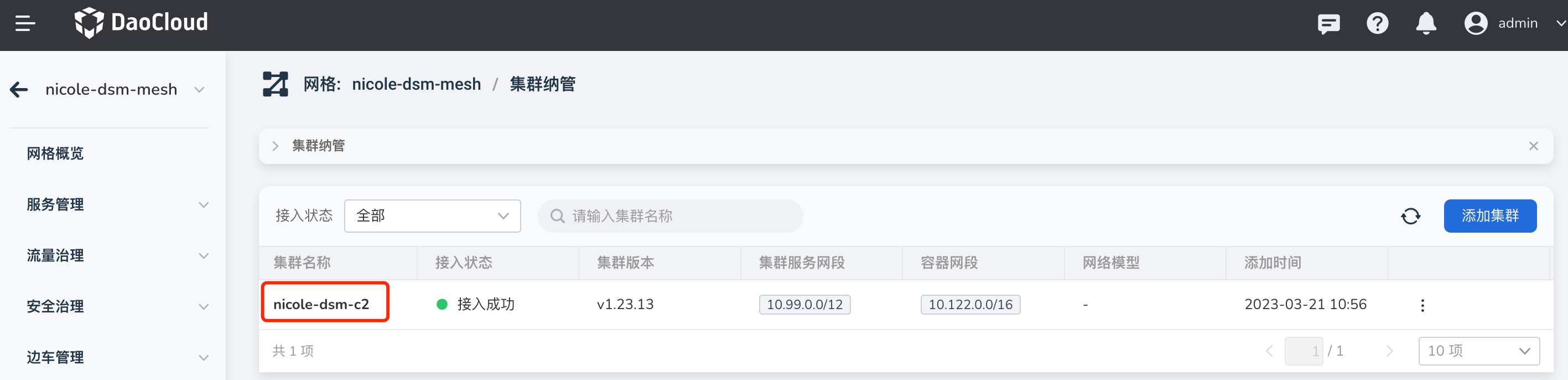
Under Service Mesh, check that the access cluster of the hosted mesh nicole-dsm-mesh is nicole-dsm-c2, as shown in the figure below.
-
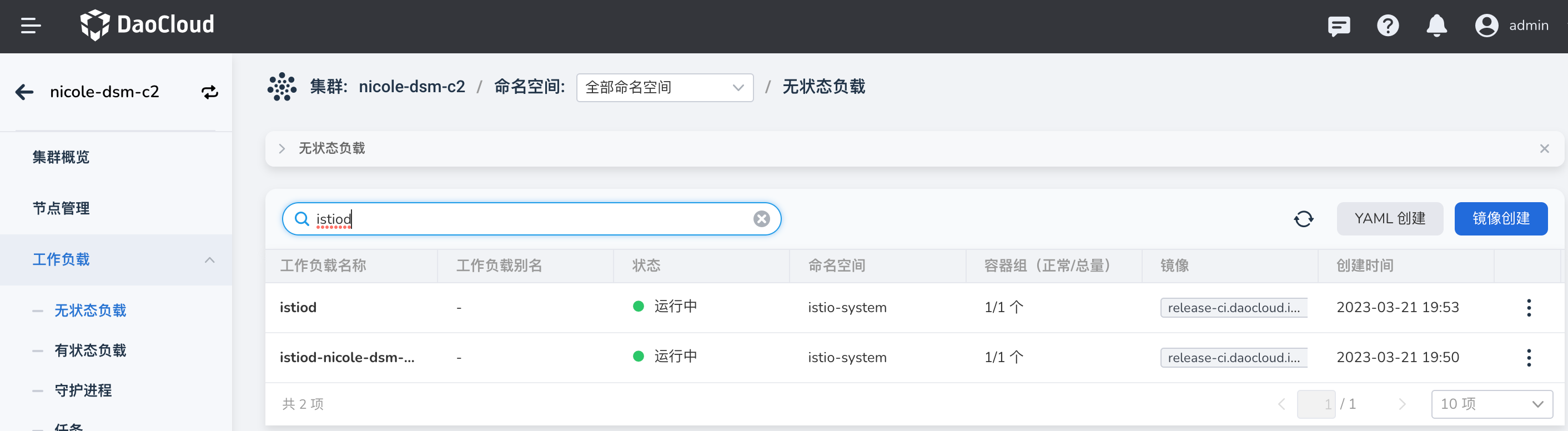
Click the cluster name to jump to the cluster page in the Container Management module, and click to enter the Workload -> Stateless Load page to find istiod ;
-
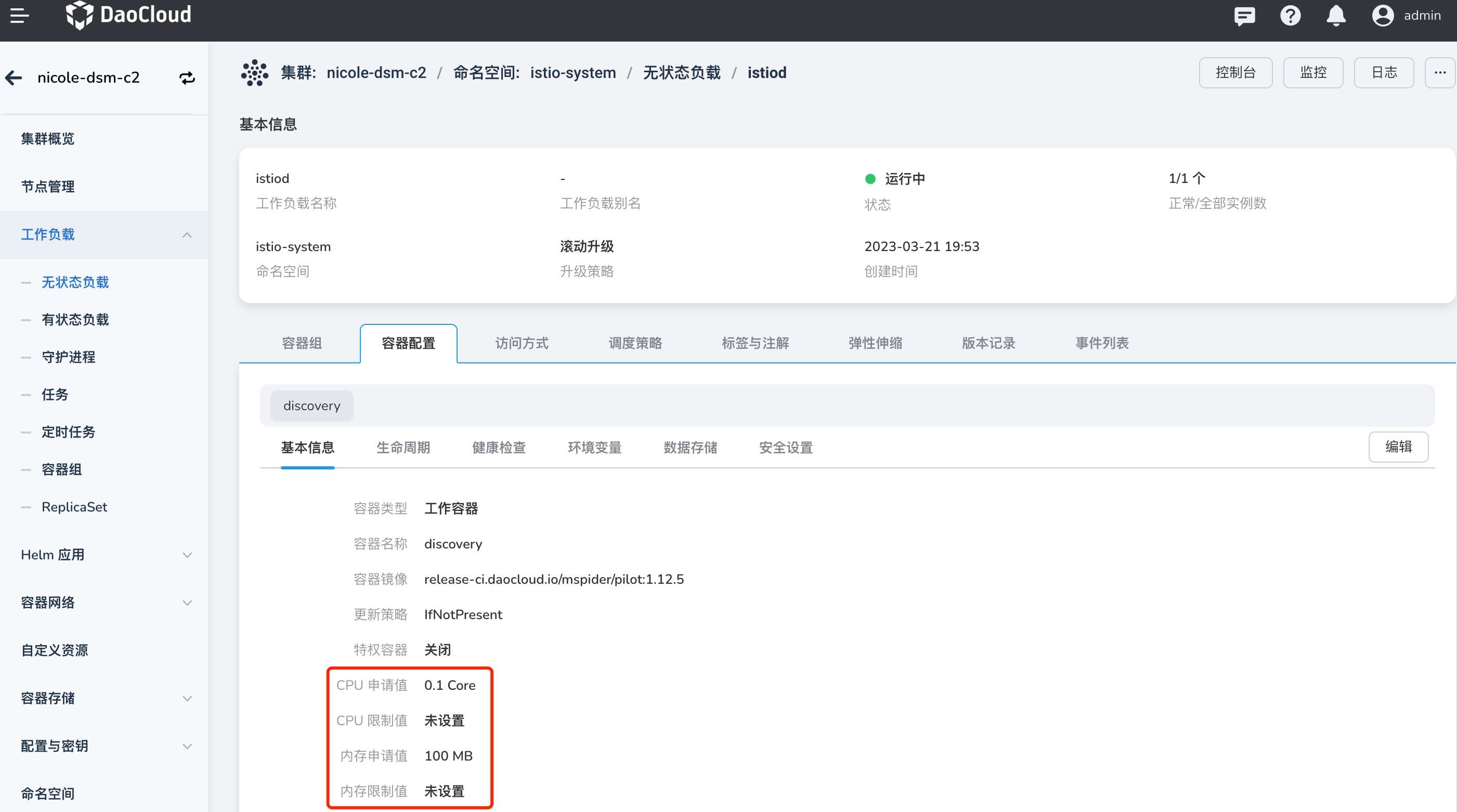
Click the workload name to enter the Container Configuration -> Basic Information tab page;
-
Click the Edit button to modify the CPU and memory quotas, and click Next , OK .
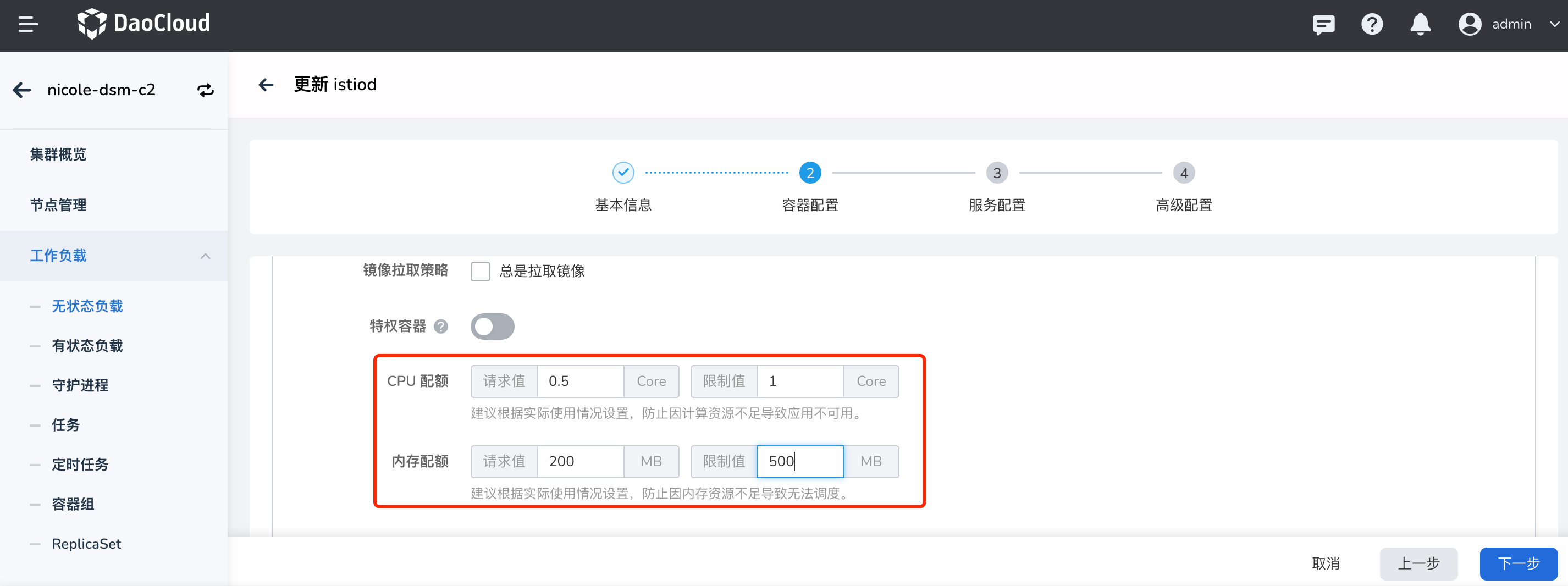
-
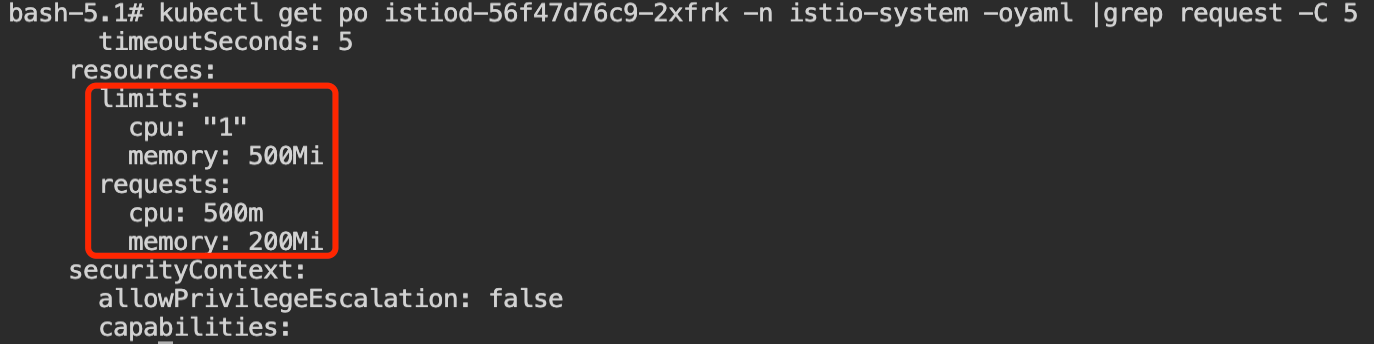
View the Pod resource information under the workload, and you can see that it has changed.