Component Resource Scaling
You can implement a scaling policy for the Control Plane Components of the service mesh in Container Management. Currently, three scaling modes are provided:
- Metric scaling (HPA)
- Scheduled scaling (CronHPA)
- Vertical scaling (VPA)
You can choose a suitable scaling policy according to your needs. The following uses metric scaling (HPA) as an example to introduce how to create a scaling policy.
Prerequisites
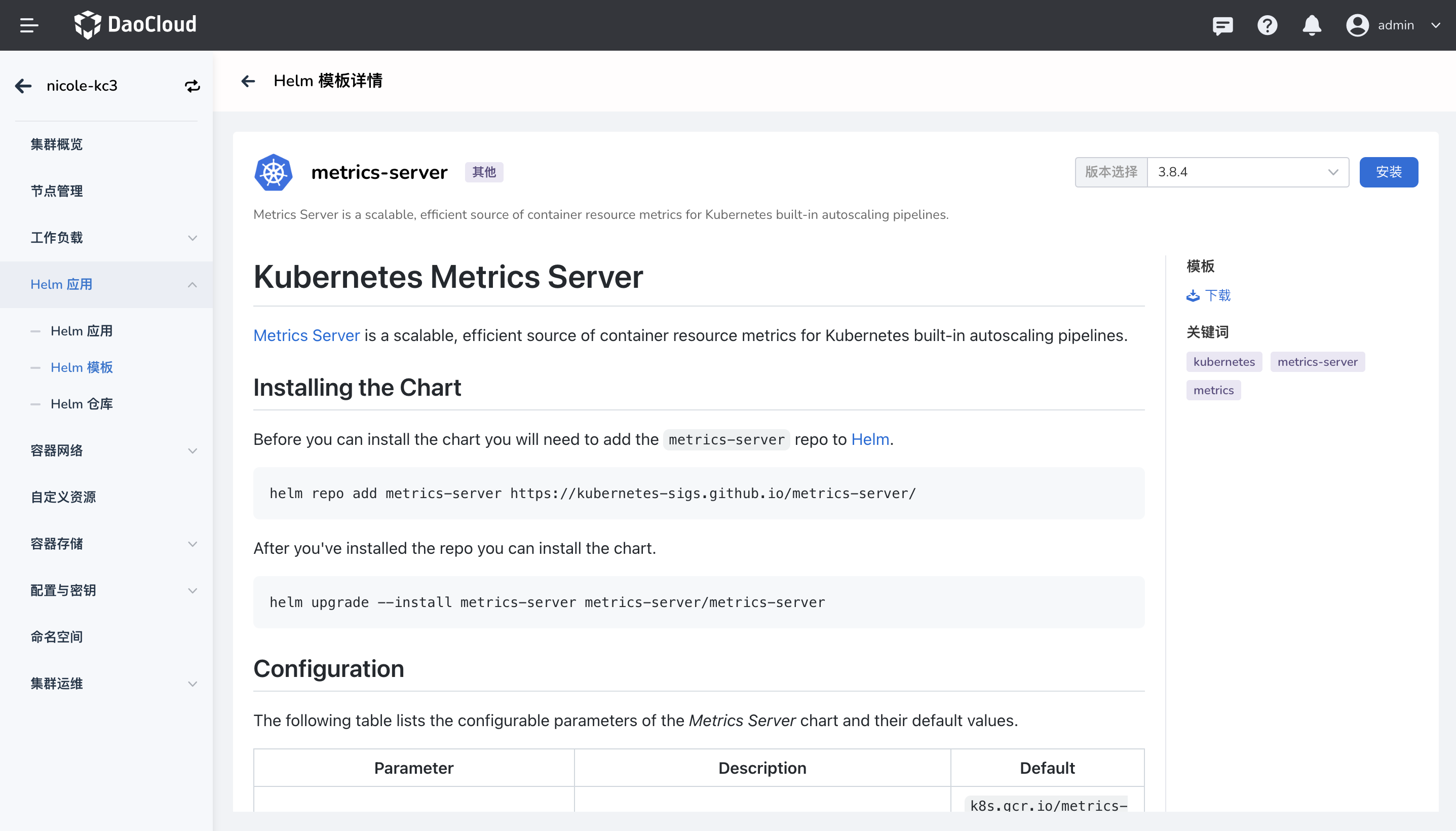
Make sure the Helm app Metrics Server is installed on the cluster. Refer to Install metrics-server plugin
Create a Policy
Take the istiod of a dedicated cluster as an example. The specific operations are as follows:
-
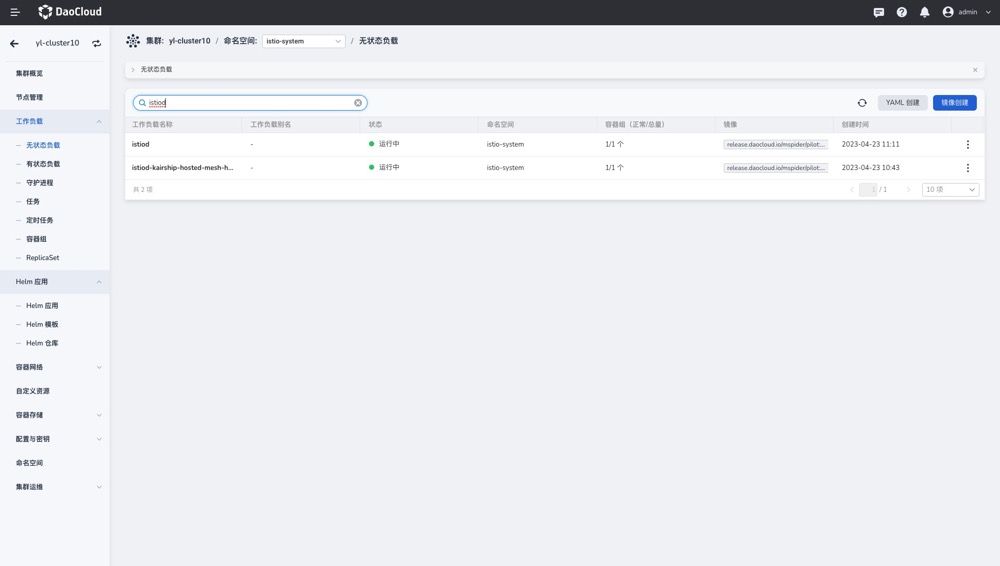
Select the corresponding cluster in [Container Management], and click to enter the Workload -> Stateless Load page to find istiod ;
-
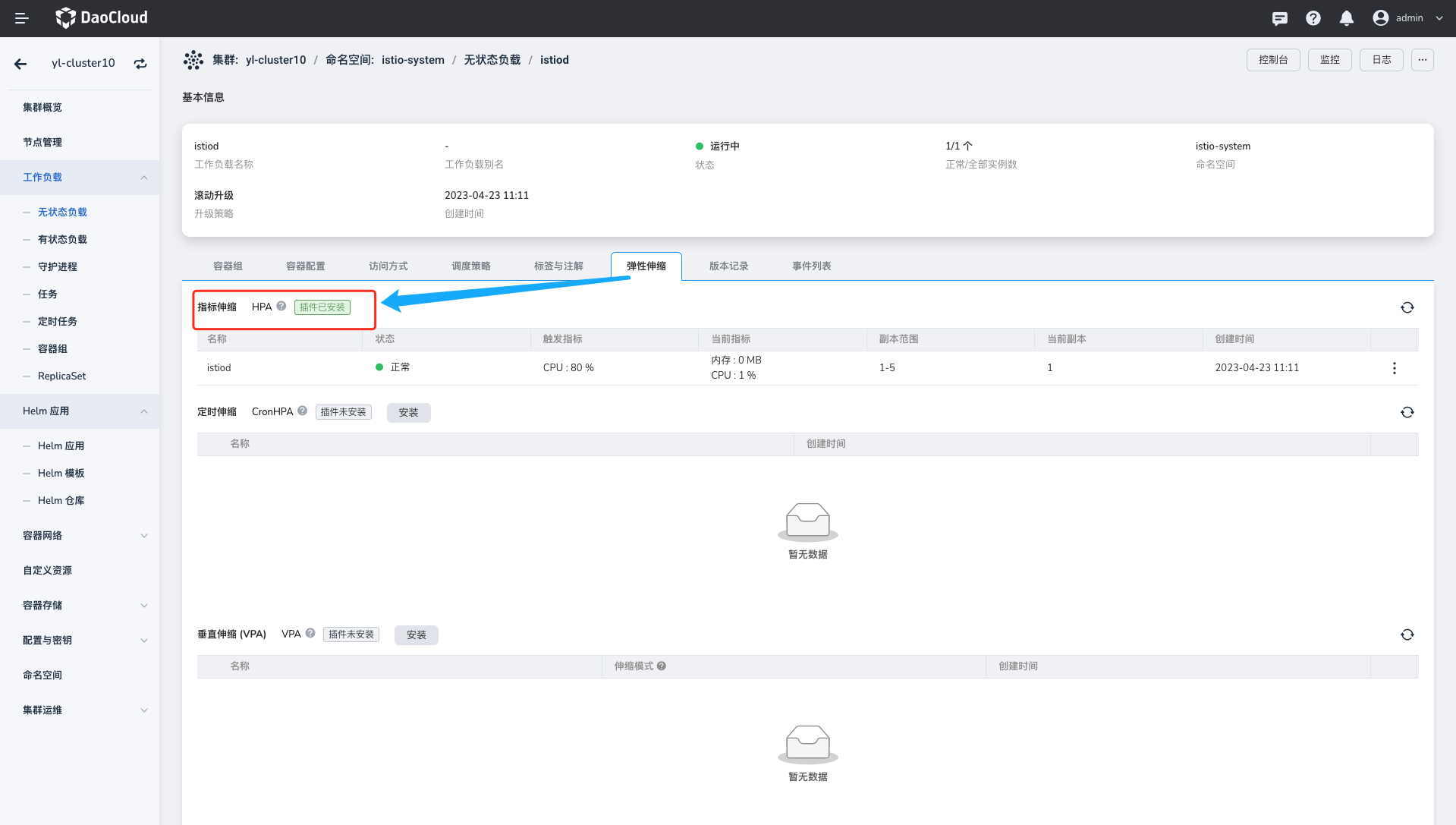
Click the workload name to enter the Auto Scaling tab page;
-
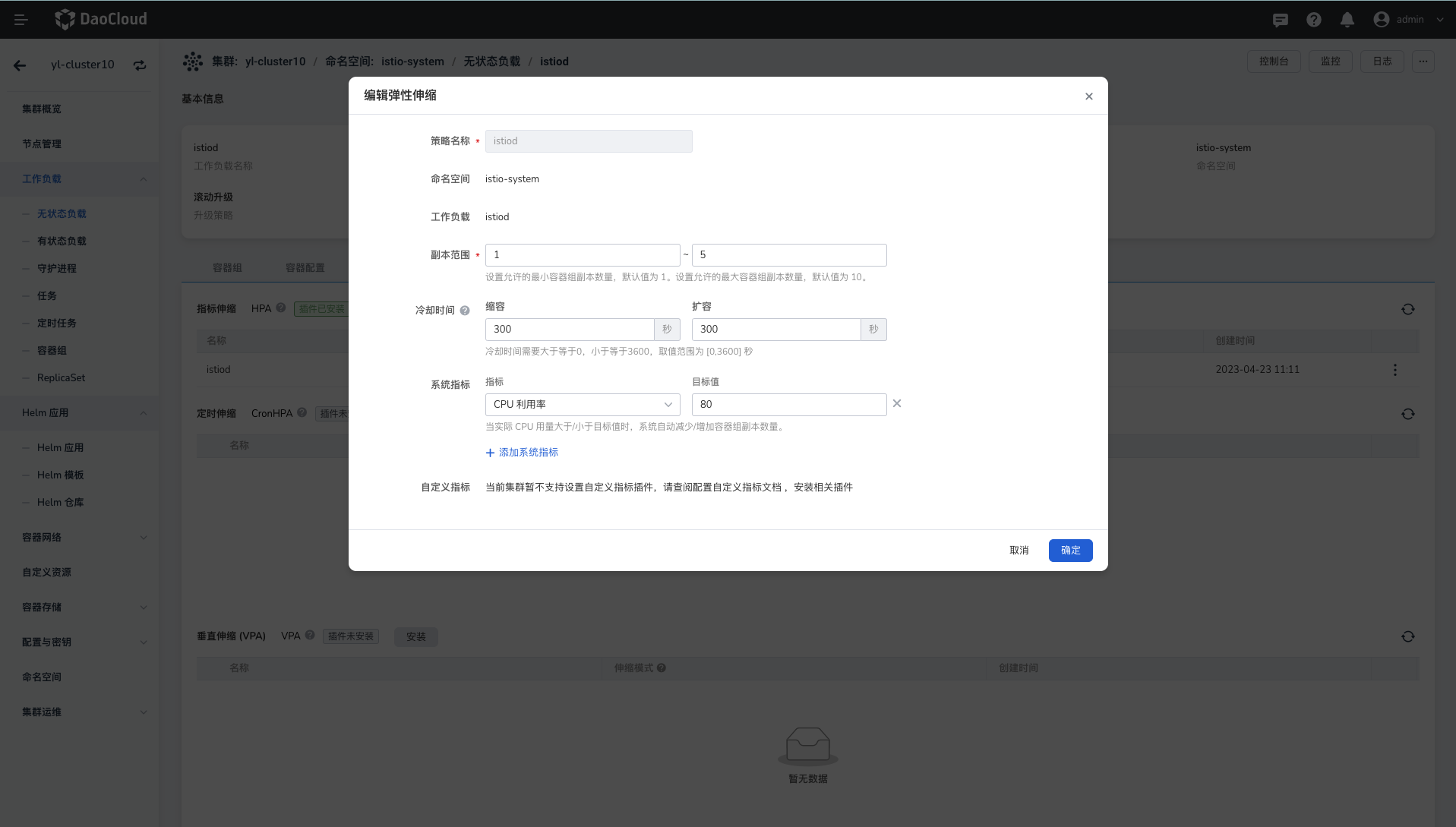
Click the Edit button to configure the auto scaling policy parameters;
- Policy name: Enter the name of the auto scaling policy. Note that the name can contain up to 63 characters, and can only contain lowercase letters, numbers, and separators ("-"), and must start and end with a lowercase letter or number, such as hpa-my-dep .
- Namespace: The namespace where the workload resides.
- Workload: The workload object that performs auto scaling.
- Target CPU utilization: The CPU usage of the Pod under the workload resource. The calculation method is: all Pod resources under the workload/the request (
request) value of the workload. When the actual CPU usage is greater/lower than the target value, the system automatically reduces/increases the number of Pod replicas. - Target memory usage: The memory usage of the Pod under the workload resource. When the actual memory usage is greater/lower than the target value, the system automatically reduces/increases the number of Pod replicas.
- Replica range: The scaling range of the number of Pod replicas. The default interval is 1 - 10.
-
Click OK to finish editing, and the new policy has taken effect.
More Scaling Configurations
Please refer to: